Chat and write.
Ask questions, draft an email, plan your week, or work through an idea.
Free. Private. Yours.
Ask a question. Write something. Get help with code. MyAi runs on your device and keeps things simple.
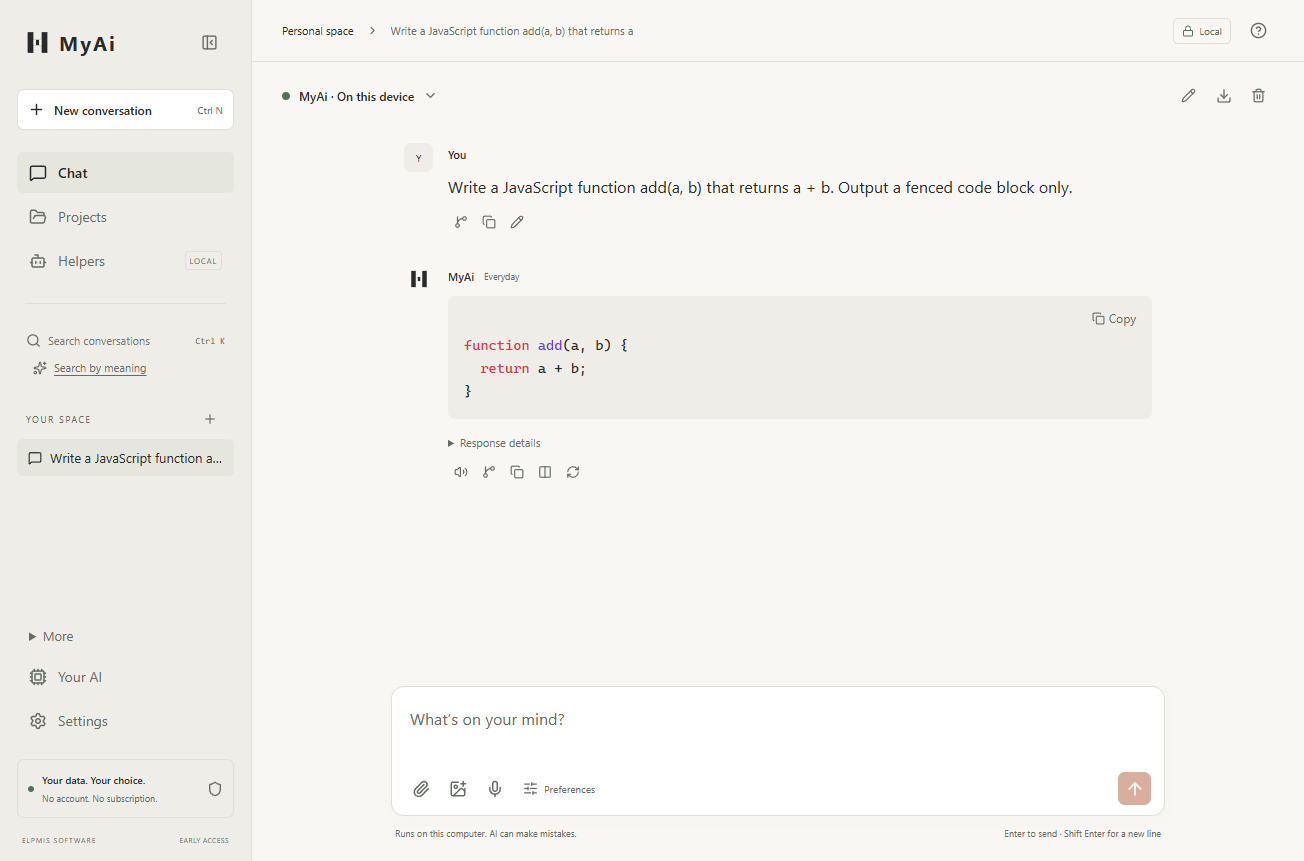
Everyday help
Just tell MyAi what you need. No account. No subscription. Free on your device.
Ask questions, draft an email, plan your week, or work through an idea.
Understand code, find a starting point, and draft changes you can review.
Give it a name and describe what it should help with. MyAi handles the setup.
A simple start
MyAi chooses a suitable free AI for your device. More powerful devices can handle more demanding work.
Install the app for your device. You don’t need an account.
One download, chosen for your device. Your conversations aren’t sent with it.
Use it offline after setup. No usage bill from MyAi. Your device sets the practical limits.